
When viewing a Employee Performance Review Section 1 you will see a table of the core competencies, click the 'Edit Core Competencies'
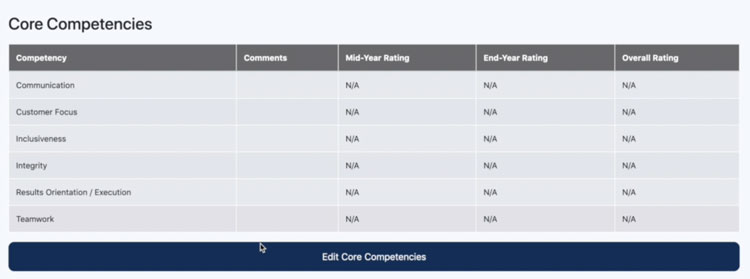
After clicking the 'Edit' button as a manager you will be able to now give ratings for each competency, along with a comment for each of these.
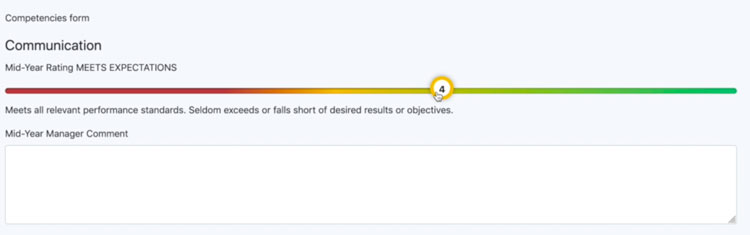
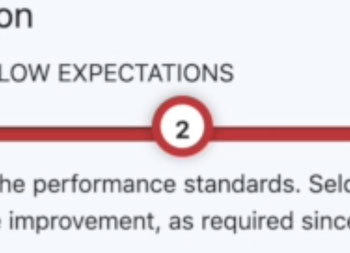
The ratings slider lets you select the number rating, as you change rating slider you will notice text change which displays the rating definition.
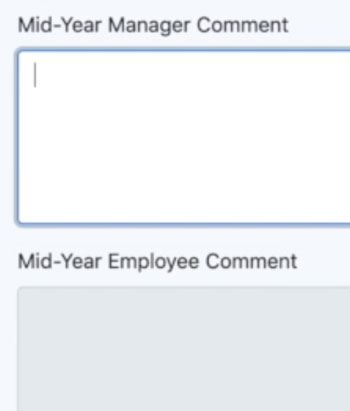
Below the rating slider is the comments section, where the manager and the employee can make comments about the competency rating.
Scrolling to the bottom of the page you will notice a 'Save' button for this form.

Video file